Your TikTok LIVE toolkit.Pay once, keep it.
Overlays, gift sounds, text-to-speech and on-screen actions for your stream. TikNova runs on your own PC – no account, no monthly fee.
Buy TikNova for $20One-time payment. Instant download for Windows 10/11, macOS with Node.js.
Everything a LIVE needs, in one app.
Set it up once in the control panel. When you go live, TikNova connects by itself and your overlays, sounds and voice are ready.
Twelve overlays for LIVE Studio and OBS
Add each overlay once as a link. Change a setting in the control panel and it shows on stream right away.
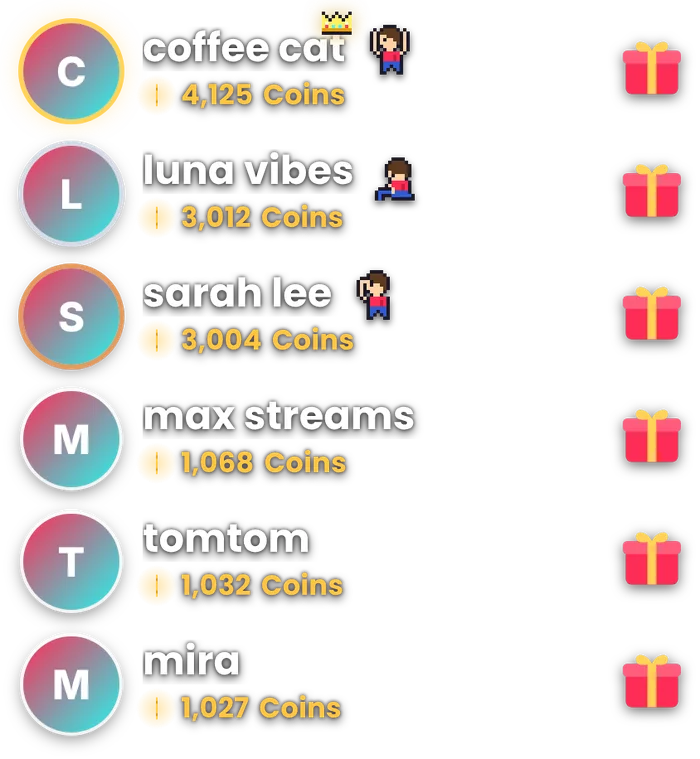
- Top supporters, top likers and top gift
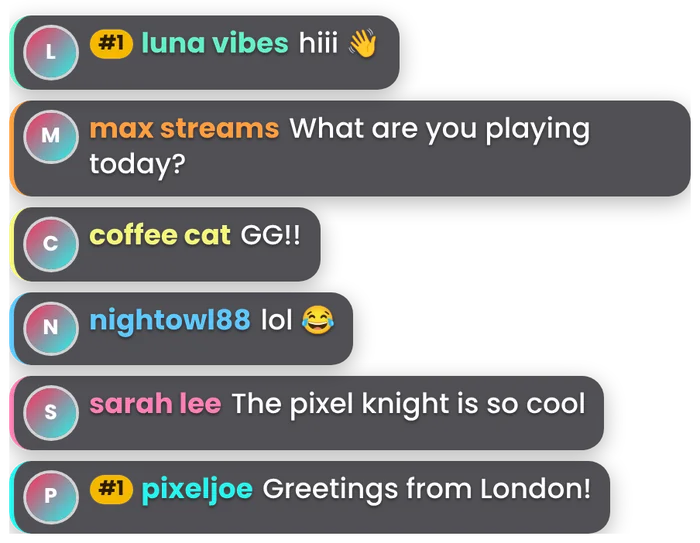
- Gift alerts, chat and a like goal
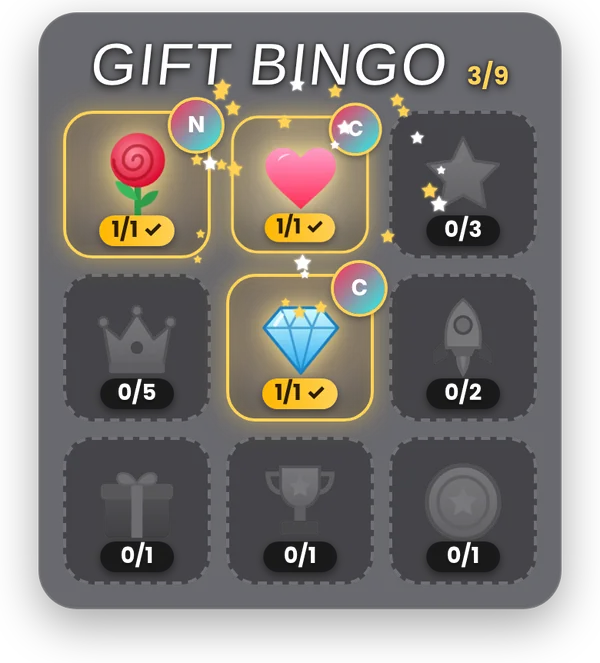
- Gift bingo, gift gallery, like fountain and fireworks
- Eight screens for your own actions
A sound for every gift
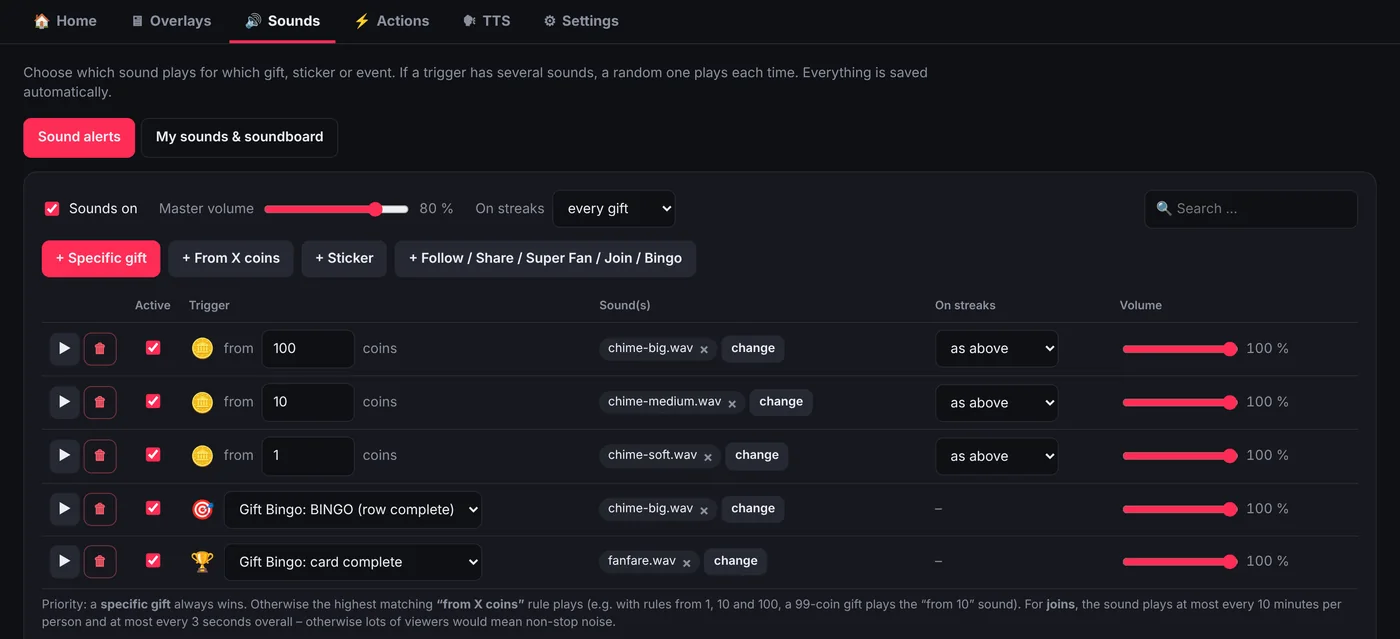
Pick a sound for a specific gift, for a coin value, for stickers, follows, shares or joins. Several sounds on one gift play at random.
- Upload your own MP3, WAV or OGG files
- Soundboard and Stream Deck support
- Streak control, so a rose streak doesn't play 50 times
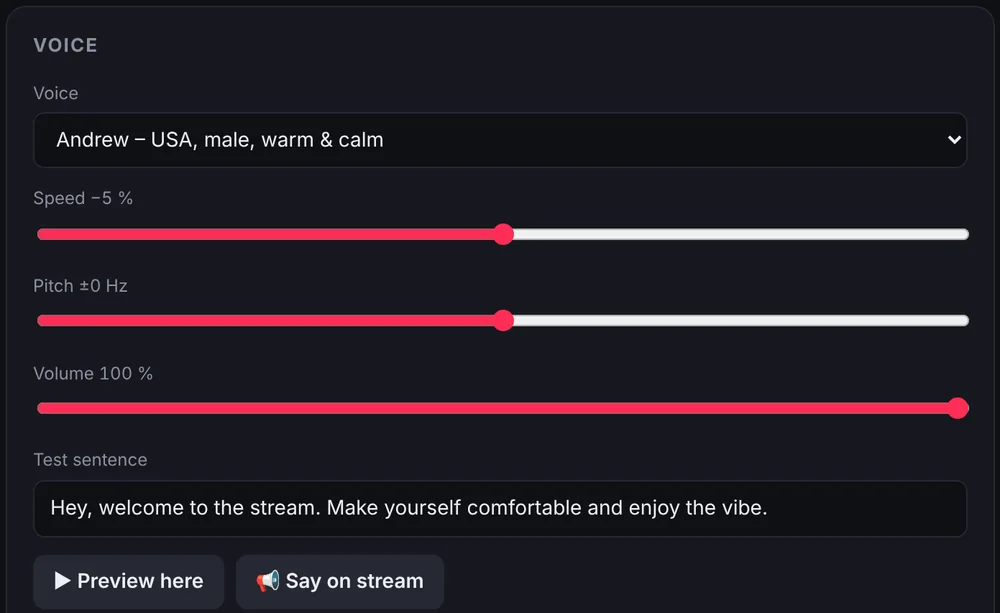
Your chat, read aloud
Natural-sounding Microsoft voices read chat messages and thank viewers for gifts. If the voice service is down, a backup voice takes over.
- Only followers, moderators or top gifters, if you like
- Blocked users and blocked words
- Chat commands such as
!tts
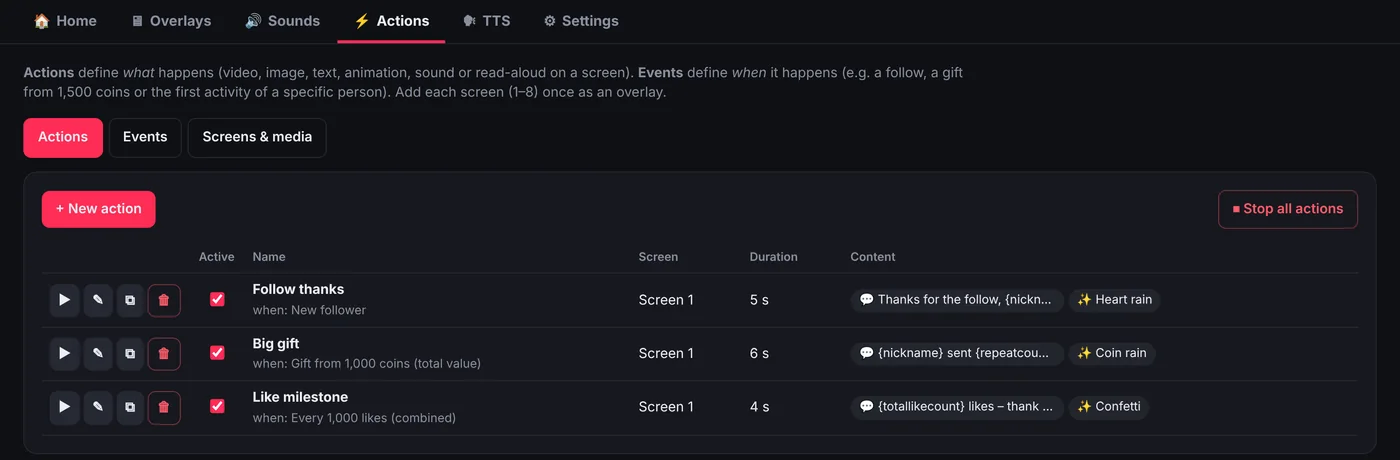
Actions on screen
Play a video, show an image or text, fire confetti or read something aloud – when someone follows, sends a gift, reaches a like goal or types a chat command.
- Videos with green screen removal
- Personal greetings for your regulars
- Cooldowns, so nothing gets spammed
Running in three steps.
Buy and download
You get the ZIP right after checkout, and it stays in your Polar account.
Double-click Start.bat
The control panel opens in your browser, and a setup assistant walks you through it.
Add the overlay links
Paste them into LIVE Studio or OBS. TikNova connects as soon as you go live.
No subscription. Taxes included, handled by our payment partner Polar.
- Every feature included
- Free updates in your Polar account
- Runs on your PC, no account needed
- English and German interface
Questions
Does it work with TikTok LIVE Studio?
Yes. LIVE Studio only accepts internet links for overlays, so TikNova gives them a fixed address through the free tool Tailscale – it takes a few clicks and the control panel walks you through it. In OBS the overlays work straight away.
Do I have to log in with my TikTok account?
No. You only enter your TikTok username. TikNova never asks for your password.
Which computers does it run on?
Windows 10 and 11 – everything it needs is included. On a Mac, install the free Node.js first, then start TikNova with start.command.
How do updates work?
When TikTok changes something, a fixed version appears in your Polar account. Download it and import it under Settings → Version & updates. Your settings, sounds and leaderboards stay as they are.
Does it slow down my stream?
TikNova itself uses only a few percent of one CPU core, even in busy streams. The overlays run in your streaming software like any browser source.
Is TikNova open source?
Yes. TikNova is licensed under the GNU AGPL v3, and the full source code is in the download.
I need help.
Write to contact@eins-app.com.